


.png)
Conversion drops are one of the most confusing and stressful problems for any business owner, marketer, or founder. One day everything looks normal. Traffic is coming in, people are clicking, sales or leads are flowing. Then suddenly, conversions fall. Not slowly, but noticeably. Panic follows almost immediately.

Most teams jump to the same conclusion: something is wrong with marketing. Ads must be underperforming. The audience must be tired. The message must be off. The offer must no longer be attractive.
Sometimes that is true. But far more often than most people realize, the real reason conversions drop has nothing to do with persuasion, messaging, or traffic quality. It is technical. Something in the path between interest and action is broken, slowed, blocked, or unreliable.
This article explains why technical issues are so often the hidden cause of conversion drops, even for people with no background in analytics or engineering. We will walk through common assumptions, the technical problems that quietly kill conversions, how monitoring exposes the truth, how to diagnose issues step by step, and how to prevent future losses before they impact revenue.
I. Understanding what a conversion is
Before going deeper, it helps to keep things simple. A conversion is just the moment when a visitor does what you want them to do.

That might be buying a product, signing up for a newsletter, booking a call, starting a trial, or submitting a contact form. A conversion drop means fewer people are successfully completing that action compared to before.
What matters is not whether people want what you offer, but whether they can complete the action without friction, confusion, or failure.
II. Why marketing is usually blamed first
Marketing metrics are the most visible
Most teams notice conversion drops inside marketing tools. Google Analytics, ad dashboards, email platforms, and CRM reports all show numbers going down. Naturally, the team responsible for those tools becomes the first suspect.
Marketing dashboards show the symptom, not the cause. They tell you conversions are down, but not why.
Websites can look fine while still being broken
One of the biggest misconceptions is believing that if a website loads, it works. A page can load perfectly and still fail at the most important moment.
A button might not respond on mobile. A form might submit without actually sending data. A checkout might fail only for certain cards or countries. A slow-loading script might cause impatient users to leave before finishing.
A quick internal test often misses these problems because internal users are not representative of real customers.
Conversion issues are often partial, not total
Technical failures rarely affect everyone. They usually affect a segment.
That might be mobile users, Safari users, international visitors, returning visitors, or people using a specific payment method. Losing even 20 percent of conversions can seriously hurt revenue, yet still go unnoticed in casual checks.
Because the failure is partial, it feels like a performance issue rather than a technical one.
III. The hidden technical issues that kill conversions
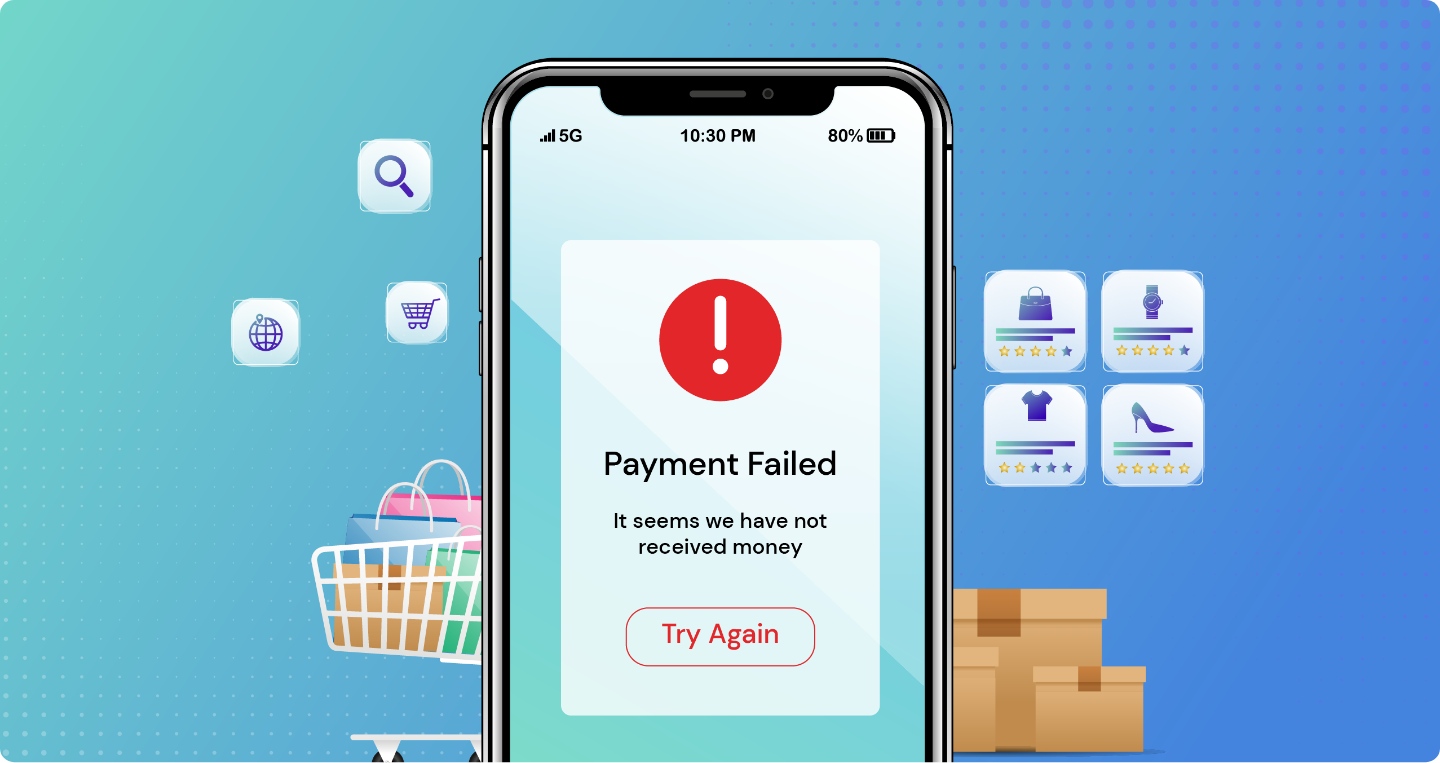
Checkout and payment failures
Checkout is the most fragile part of any ecommerce or subscription flow. Many things must work together at the same time: pricing logic, taxes, shipping, discounts, payment gateways, and authentication steps.
A small change can quietly break the entire experience for a portion of users.
For example, an online store changed its free shipping threshold. Everything looked correct in testing. But when customers used discount codes, the shipping logic failed and showed no available shipping methods. Customers could not complete checkout. Revenue dropped sharply. Marketing was blamed until someone discovered the shipping rule bug.
Forms that pretend to work
For service businesses and B2B companies, forms are the conversion. When forms break, the damage is immediate.
The most dangerous failures are silent ones. A user fills out a form, clicks submit, sees a thank-you message, and leaves. But the lead never arrives.
This can happen when CRM integrations break, API tokens expire, webhooks fail, or spam protection blocks real users. From the outside, everything looks fine. Inside the business, leads dry up.
Many teams only discover the problem days later when sales asks why the pipeline is empty.
JavaScript errors that stop actions
Modern websites rely heavily on JavaScript. Buttons, forms, carts, and interactive elements often depend on scripts working correctly.
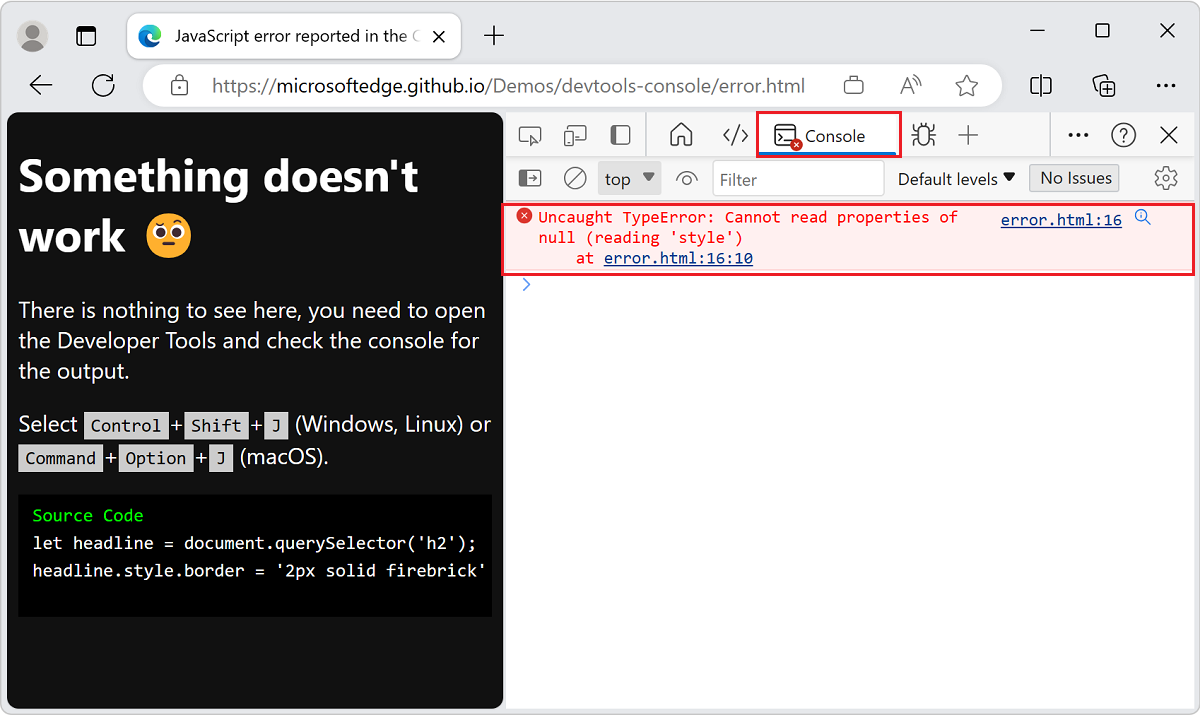
When a script breaks, users might click a button and nothing happens. Or a step in a multi-page flow might never load.
These errors often appear only in certain browsers or devices. A feature might work perfectly on Chrome desktop and fail completely on mobile Safari.
One common scenario is adding a third-party tool like chat, personalization, or A/B testing. These tools inject code into your site. Sometimes they conflict with existing scripts or block important elements.
Speed regressions that push users away
Slow websites do not always look broken. They just feel frustrating.
If a page takes too long to become interactive, users leave. This happens more often on mobile devices and slower networks.
Speed issues can be caused by large images, heavy scripts, poorly configured fonts, or slow third-party tools. Even small delays can reduce conversions significantly.
A real example: a company installed a new product image gallery that loaded large JavaScript files. Desktop users barely noticed. Mobile users struggled. Add-to-cart rates dropped. The issue was not the offer or the price. It was performance.
Cookie consent and privacy issues
Privacy tools can accidentally break conversions when misconfigured.
Some cookie banners block essential cookies instead of only tracking cookies. This can cause login states to reset, carts to disappear, or checkout sessions to fail.
Other times, tracking breaks and conversions appear lower than they really are. While this is less damaging to revenue, it still leads to bad decisions because teams think performance dropped.
Mobile-specific layout problems
Mobile experiences are especially vulnerable because of smaller screens, virtual keyboards, and touch interactions.
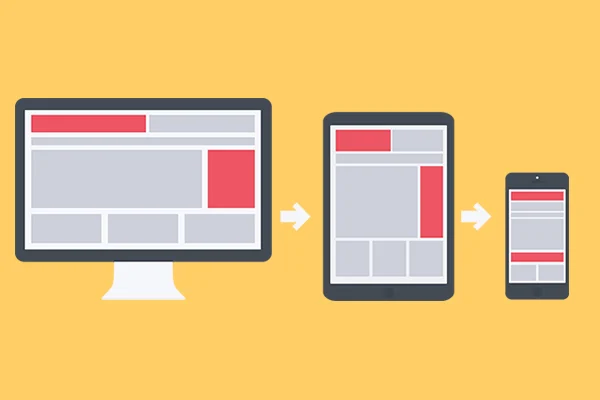
Buttons can be hidden behind sticky headers. Submit buttons can be covered by keyboards. Modals can be impossible to close. Fields can be hard to tap.
These issues are easy to miss if testing happens mainly on desktop.
Regional and localization issues
If your site serves multiple countries, conversions can drop in specific regions without being obvious.
Currency formatting, shipping rules, tax settings, translations, and payment methods all vary by country. A small localization change can break checkout or forms for international users.
Because these issues affect only part of your audience, they often look like a gradual decline rather than a clear outage.
Intermittent backend failures
Some of the hardest problems to detect are intermittent. The site works sometimes and fails other times.
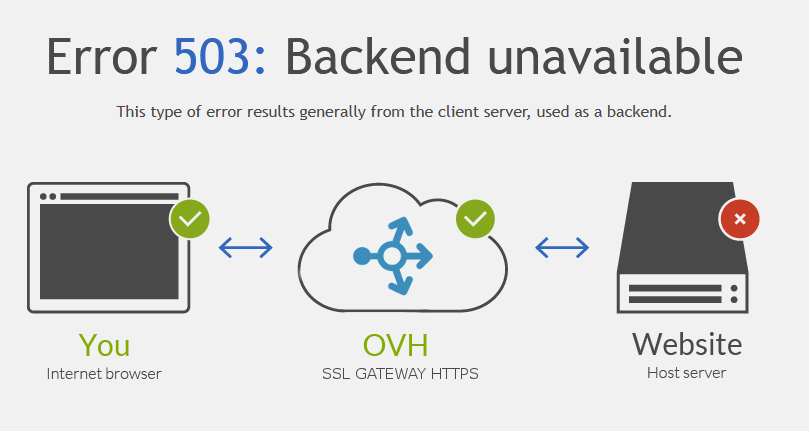
Third-party APIs might time out. Databases might slow down under load. Background jobs might delay confirmation emails.
Users see spinners, delays, or incomplete steps and leave. There is no dramatic error message, just lost conversions.
IV. Why monitoring changes everything
Monitoring removes guesswork
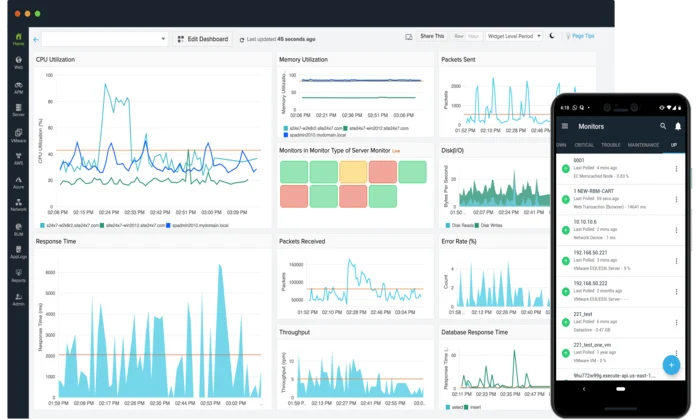
The biggest advantage of monitoring is certainty. Instead of guessing whether the problem is marketing or technical, you can see whether the conversion path still works.
Monitoring tools simulate real users completing real actions. They visit pages, click buttons, submit forms, and verify success.
If the journey fails, you know immediately that the issue is technical.
Monitoring catches partial failures
Because monitoring can run on different devices, browsers, and regions, it catches the problems humans miss.
A checkout might work on desktop but fail on mobile. A form might work in one country but not another. Monitoring makes these issues visible.
Monitoring provides proof
Instead of arguing about opinions, monitoring gives evidence. Screenshots, logs, and failure points show exactly what broke and when.
This shortens resolution time and avoids wasted effort adjusting marketing when the real problem is technical.
Where Cromojo helps
Cromojo is built to protect conversion journeys. It helps teams monitor critical actions like purchases, signups, and form submissions so failures are caught early.
Instead of finding out through lost revenue or angry customers, you get alerted when something breaks.
CTA: If your conversions matter to your business, they deserve active monitoring. Use Cromojo to watch your most important conversion paths and catch issues before they cost you money.
How to diagnose a conversion drop step by step
Step 1: Identify where the drop happens
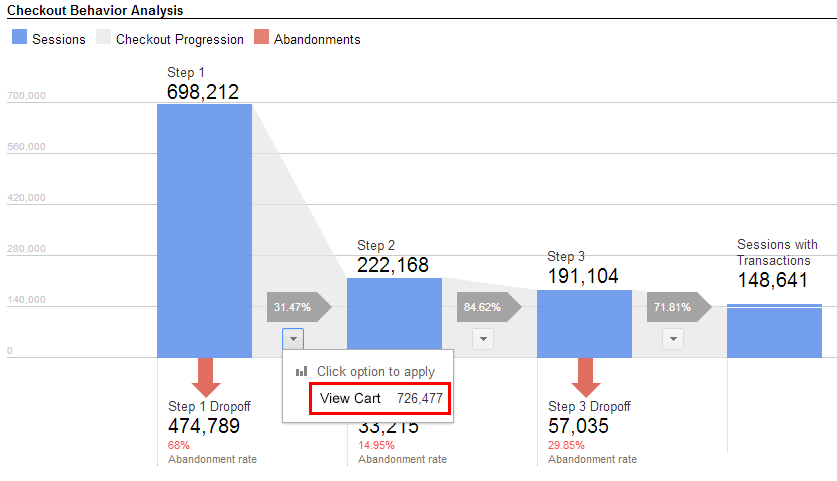
Do not start with assumptions. Start with the flow.
Look at each step of the journey and find where users stop progressing. Is it before checkout, during checkout, or after submitting a form?
The location of the drop points directly to the likely cause.
Step 2: Look for patterns
Break the data down by device, browser, location, and user type if possible.
Patterns reveal technical issues quickly. A drop isolated to mobile or a specific browser is rarely a marketing problem.
Step 3: Review recent changes
Conversion drops almost always follow a change.
That might be a deploy, plugin update, new script, experiment, or configuration change. Knowing what changed narrows the search dramatically.
Step 4: Reproduce the issue realistically
Test like a real user. Use mobile devices. Use different browsers. Try slower networks. Try different payment methods or addresses.
Do not assume that one successful test means everything is fine.
Step 5: Check integrations and third parties
Verify that payments, forms, CRMs, email tools, and automation platforms are functioning normally.
A conversion is only complete when the entire process finishes successfully.
Step 6: Confirm the fix end to end
After fixing the issue, test the entire journey again. Make sure the path works across devices and scenarios.
Then add monitoring so the same issue does not slip through again.
How to prevent future conversion losses
Treat conversions like critical infrastructure
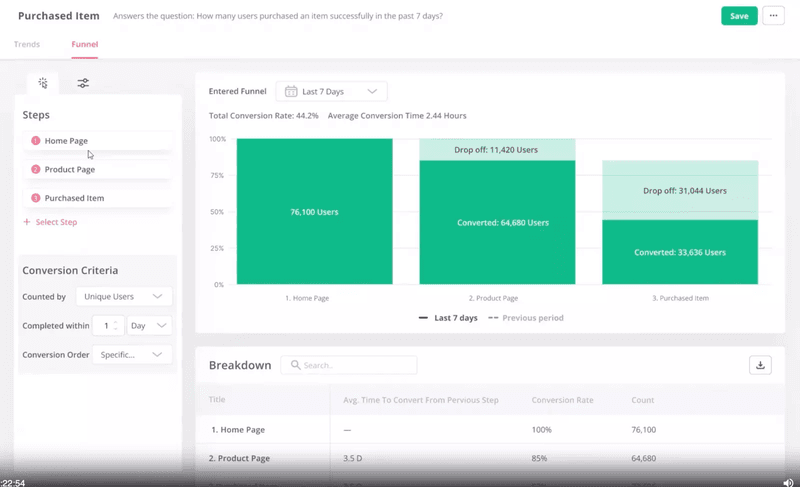
If a conversion breaks, revenue breaks. That mindset helps teams prioritize reliability.
Monitor what matters most
You do not need to monitor everything. Start with your most valuable actions and protect those first.
Control and document changes
Knowing what changed makes diagnosing issues faster and less stressful.
Reduce unnecessary complexity
Every extra script and tool adds risk. Choose tools carefully and make sure failures do not block conversions.
Build a habit of verification
Before launching changes, verify that key conversion paths still work. After launching, monitor continuously.
Conversion drops do not have to be mysterious or expensive. With Cromojo, you can monitor your most important journeys, detect issues early, and protect your revenue before customers feel the pain.