

Most website owners and teams have had this thought at some point:
“Our site is healthy. There are no errors.”
Pages load. There are no scary red alerts. No one is reporting bugs. Payments are going through, at least sometimes. Forms submit. Nothing appears to be broken.
And yet conversions are lower than expected.
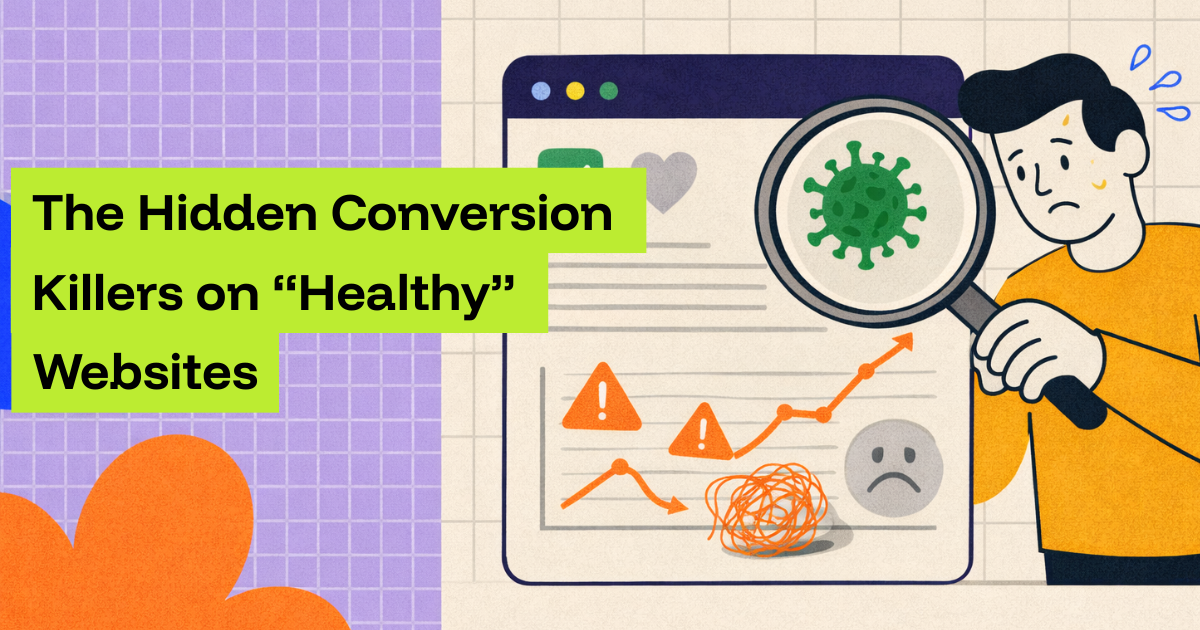
This is one of the most dangerous situations a business can be in. Not because something is obviously wrong, but because something is quietly wrong. The website looks healthy on the surface, but underneath, small technical issues are leaking customers every day.
This article is about those hidden conversion killers. The ones that do not crash your site, do not trigger alarms, and do not generate support tickets, but still cost you revenue, leads, and growth. You do not need to be technical to understand them. You just need to understand how real users experience your site, and why “no errors” does not mean “no problems.”
Why “no errors” does not mean no problems
When people say a website is healthy, they usually mean one thing: it is not down.
The homepage loads. The server responds. There is no big outage. That is important, but it is only the bare minimum. A website can be technically “up” and still fail its main job, which is helping users complete an action.
Most conversion killers live in the space between “the site loads” and “the user finishes what they came to do.”
This happens because modern websites are complex systems. Even a simple-looking site often depends on dozens of moving parts working together. Content comes from one place, prices from another, forms connect to external tools, payments rely on third parties, and many scripts run in the background to handle analytics, chat, testing, or personalization.
If one part slows down, misfires, or behaves differently for certain users, the site does not crash. It just becomes harder to use. And when something is harder to use, people leave.
The problem is that most teams rely on obvious signals to detect issues. They look for error messages, broken pages, or customer complaints. But the most damaging conversion issues rarely announce themselves that way. They hide behind normal-looking pages and polite user behavior. Users do not complain. They just disappear.
The silent gap between traffic and action
To understand hidden conversion killers, it helps to think about what a conversion really is.
A conversion is not just a click. It is a journey. A visitor arrives, reads, scrolls, clicks, fills something out, waits, confirms, and leaves. Every step must work smoothly. If any step creates doubt, friction, or delay, the journey ends.
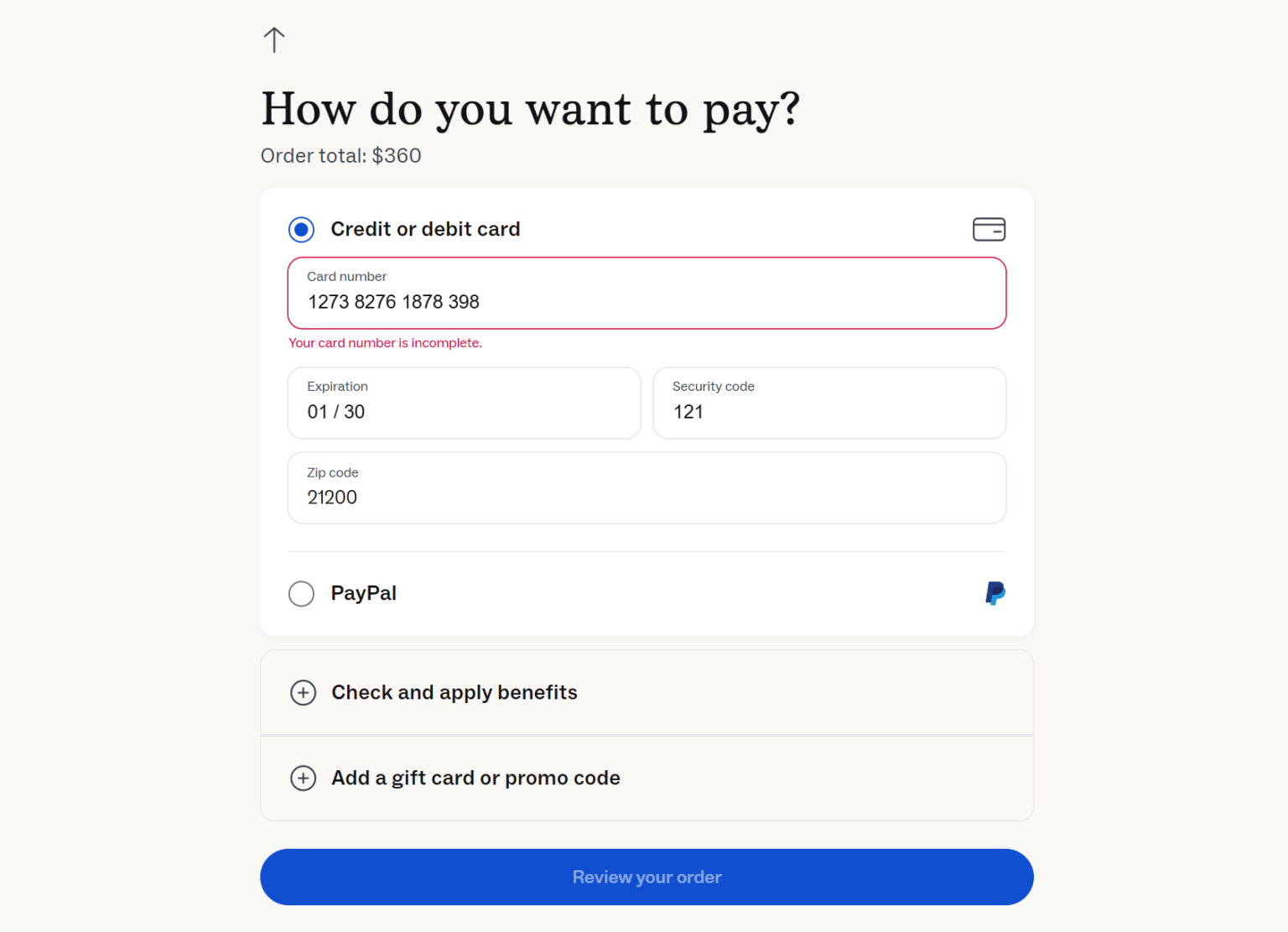
When something goes wrong in that journey, users usually do not report it. They assume the problem is on their side, or they simply lose patience. This is especially true when the problem is subtle.
A button that takes two seconds longer to respond.
A form that reloads without clear feedback.
A checkout that pauses before loading the next step.
A page that feels sluggish on mobile.
None of these look like “errors.” But all of them reduce conversions.
This is why healthy-looking websites can still underperform badly.
Slowdowns that don’t look like slowdowns
One of the most common hidden conversion killers is performance degradation. Not dramatic slowness, but small slowdowns that add friction.
A page might load in three seconds instead of one. A button might respond with a slight delay. A checkout step might pause before moving forward. Individually, these delays feel minor. Collectively, they add frustration.
The key problem is that performance is uneven. A site might feel fast on a developer’s laptop with a strong connection, but slow on a mid-range phone on a mobile network. Many teams test in ideal conditions and assume everything is fine.
For example, an online store added a customer reviews widget to product pages. The widget loaded late and blocked part of the page from becoming interactive. On desktop, the delay was barely noticeable. On mobile, users had to wait before they could scroll or tap. Add-to-cart rates dropped, especially on mobile. The site never went down. There were no errors. But conversions suffered quietly.
Users do not think, “This site has a performance regression.” They think, “This feels annoying,” and they leave.
Broken paths that don’t look broken
Another major conversion killer is a broken path that still looks functional.
For example, a form can appear to submit successfully but fail to deliver the data. A checkout can allow users to enter information but fail at the payment step. A signup flow can stall on the last screen.
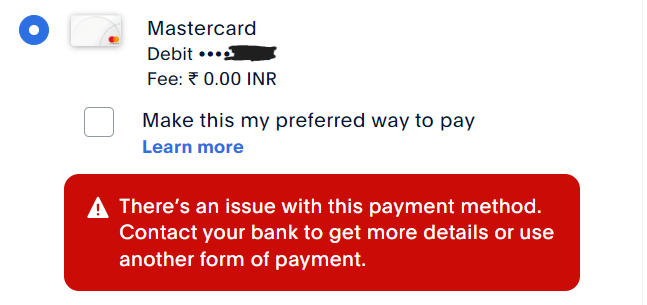
These failures often happen because of integration issues. A connection to a CRM breaks. A payment gateway times out. A webhook fails. The front end does not show an error because it does not know something went wrong in the background.
From the user’s perspective, the site simply does not move forward. From the business perspective, conversions drop with no clear explanation.
One company offering consulting services experienced a sudden drop in inbound leads. Their landing pages looked fine. Traffic was steady. Forms showed a thank-you message. The issue turned out to be a broken integration between the form and their CRM. Leads were never delivered. No errors appeared on the site. No alerts fired. The only signal was fewer inquiries.
This kind of failure is especially dangerous because marketing teams may respond by increasing ad spend or changing messaging, when the real issue is that the pipeline is broken.
Partial outages that affect only some users
When people think of outages, they imagine everything stopping. In reality, many outages are partial.
A feature might fail only for certain browsers.
A checkout might fail only for a specific payment method.
A page might break only in one country.
A script might error only on older devices.
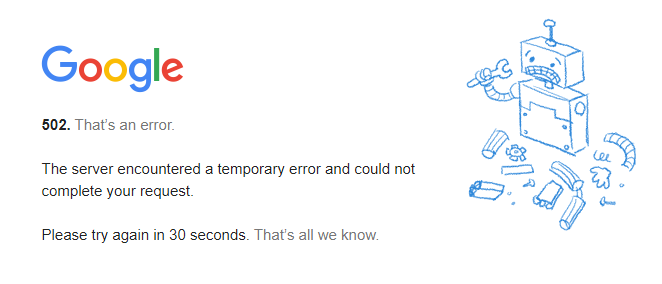
Partial outages are hard to spot because some users still succeed. Internal tests often pass. Support tickets remain low. But overall conversion rate drops.
For example, a subscription site noticed fewer signups from Europe. Nothing seemed broken. After investigation, they discovered a tax calculation service was intermittently failing for EU addresses. When it failed, the signup process stalled. Users simply abandoned. The issue did not affect US users, so it was invisible in casual testing.
Partial outages create the illusion that “some people just aren’t converting anymore,” when in fact some people physically cannot.
User perception vs technical reality
One of the most important ideas to understand is that user perception matters more than technical correctness.
A site can be technically correct and still feel broken.
A page might return a successful response, but if it takes too long, users assume it failed. A form might submit correctly, but if there is no clear feedback, users may submit again or leave. A button might work, but if it looks disabled or unresponsive, users hesitate.
Users do not see logs, servers, or APIs. They see motion, feedback, and flow. Their perception determines whether they trust the site enough to continue.
This gap between technical reality and user perception is where many conversion killers live.
For example, a checkout step might load data from a third-party service. If that service responds slowly, the page might show a spinner for several seconds. Technically, nothing is wrong. But users interpret the pause as a problem. Some refresh. Some leave. Some abandon the cart entirely.
From a monitoring perspective, everything looks “up.” From a user perspective, the site feels unreliable.
Why users rarely complain
One reason hidden conversion killers last so long is that users almost never complain about them.
If a site completely breaks, users might contact support. But if something feels slow, confusing, or unreliable, they usually leave quietly. Especially for ecommerce or lead forms, there is no strong incentive to report the issue.
This creates a dangerous feedback loop. The team assumes everything is fine because no one is complaining. Conversions are lower, but there is no clear cause. Marketing experiments increase. Budgets change. The real issue remains.
By the time someone finally investigates the technical side, weeks or months of lost conversions may have passed.
Monitoring for subtle failures
This is where monitoring becomes essential, not as a technical luxury, but as a business necessity.
Monitoring does not just mean checking if the site is online. It means actively testing the paths that matter most to your business. That could be purchasing a product, submitting a form, signing up for a trial, or booking an appointment.
Good monitoring behaves like a real user. It visits pages, clicks buttons, fills forms, and confirms that the expected outcome actually happens. If a step fails, slows down unusually, or behaves differently, monitoring catches it.

This is especially important for subtle failures. A form that submits but does not deliver data. A checkout that works only sometimes. A button that becomes unresponsive on mobile. These issues often go unnoticed until monitoring reveals them.
Monitoring also helps separate perception from reality. If monitoring shows the conversion path failing, you know the issue is technical. If monitoring passes consistently, you can investigate other areas with more confidence.
This is where Cromojo fits naturally. Cromojo is designed to monitor conversion journeys, not just page uptime. It helps teams detect hidden failures early, before users complain and before revenue is impacted.
If your website looks healthy but conversions feel off, Cromojo helps you see what users actually experience, not just whether pages load.
Seeing problems before users feel them
One of the biggest advantages of monitoring is timing.
Most teams discover conversion issues after damage is done. They notice revenue is down. They notice fewer leads. They notice churn. By then, the issue may have been active for days or weeks.
Monitoring flips that timeline. Instead of waiting for user behavior to reveal a problem, you detect the problem first.

For example, monitoring might show that a checkout step is taking longer than usual. Not broken yet, but slower. That slowdown could turn into a failure under higher traffic. Fixing it early prevents lost conversions.
Or monitoring might catch an intermittent error that happens once every ten attempts. Users experience it as “sometimes it works, sometimes it doesn’t.” Monitoring experiences it as a measurable failure rate.
This early visibility is critical for protecting growth.
Fixing issues before users complain
The goal is not just to detect issues, but to fix them before they affect enough users to show up in metrics.
When you know exactly where and how a conversion path fails, fixing becomes faster and calmer. Instead of scrambling and guessing, teams can focus on the specific step that is misbehaving.

Fixing hidden conversion killers often involves small changes. Optimizing a script. Adjusting a layout. Fixing an integration. Changing load order. Removing unnecessary complexity.
These fixes rarely require redesigns or new campaigns. They restore the site’s ability to convert people who already want to convert.
Once fixed, monitoring ensures the issue does not return quietly. If a future update reintroduces the problem, you know immediately.
Instead of waiting for users to complain or revenue to drop, use Cromojo to catch hidden conversion killers early and fix them while they are still small.
Healthy websites still need protection
A website can be healthy and still be vulnerable.
No errors does not mean no friction. No complaints does not mean no problems. No outages does not mean no lost conversions.
The most expensive conversion killers are the ones that hide behind “everything looks fine.”
By understanding how slowdowns, broken paths, partial outages, and perception gaps affect real users, you can start seeing your website the way customers do. Monitoring then becomes your safety net, catching issues before they quietly drain results.
If you want confidence that your “healthy” website is actually converting the way it should, Cromojo helps you monitor what matters most, the moments when visitors become customers.