


.png)
When your website or platform struggles to operate smoothly, your customers notice immediately. Downtime and slow load times are two of the most damaging issues that can affect your business’s online presence. Both problems can severely impact your reputation, revenue, and search engine visibility, but they affect your business in distinct ways. Understanding how users react to downtime versus slowness is crucial for prioritizing fixes and minimizing losses.
How Users React to Downtime and Slowness
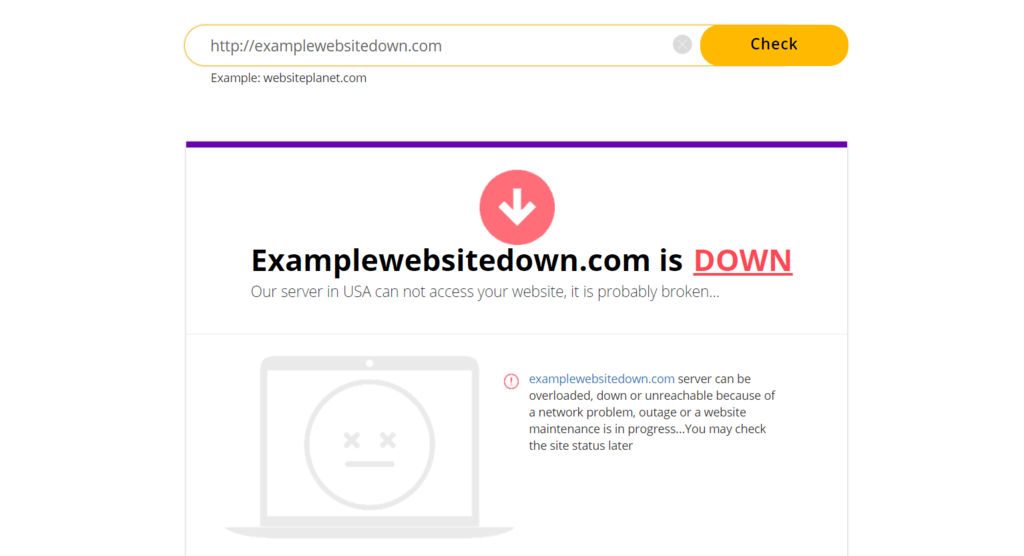
Downtime refers to periods when your site or services are completely unavailable or offline. This can happen due to hardware failure, software malfunctions, network outages, or other unexpected outages. When users try to access your site during downtime, they are met with errors or simply cannot connect. This immediate roadblock causes frustration and often leads visitors to leave within seconds. Many customers will never return after experiencing downtime, as they may assume the site is abandoned, unsafe, or unreliable. Even loyal users can quickly lose trust in your business when they encounter downtime.
On the other hand, slow load times create a different kind of user experience. Instead of a clear error message or an outage, visitors see your site or pages load sluggishly, causing frustration and impatience. Slow performance feels like being stuck in a long, slow-moving line, where users have to wait for the site to respond. While visitors might give your site a few extra seconds of patience, the outcome is usually the same, they bounce and look elsewhere. Slow load times often signal to users that your platform is poorly maintained or not worth their time.
Both downtime and slowness create friction that discourages users from engaging with your business, but the emotional response differs. Downtime feels like a locked door that completely blocks access, while slowness feels like a frustrating delay. Neither situation encourages customers to complete purchases or use your services, ultimately affecting your business’s bottom line.
Impact on SEO and Conversions
From an SEO perspective, search engines use both uptime and site speed as quality signals. Excessive downtime tells search algorithms that your site is unreliable and may lead to penalties or lower rankings. Google provides clear guidance on this in their documentation on site quality guidelines.
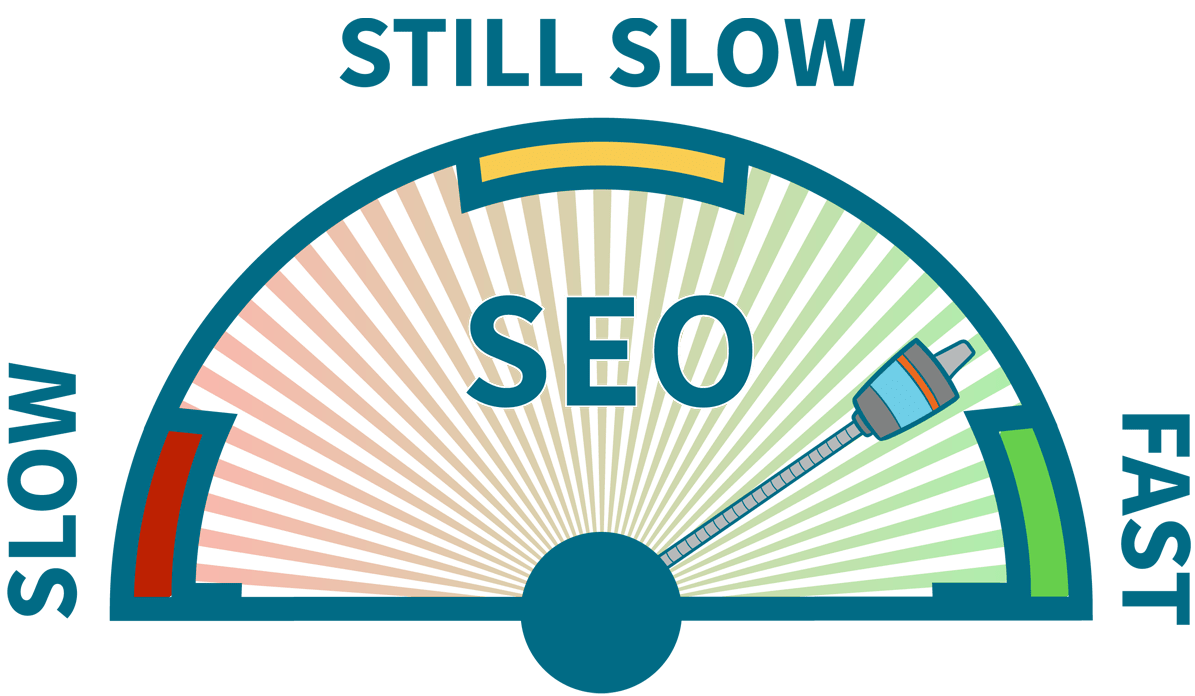
Similarly, consistently slow pages indicate a poor user experience. Data from Google Web Fundamentals highlights that page speed directly affects user behavior
Conversion rates are even more sensitive to these issues. from Portent shows that each additional second of load time significantly cuts conversion rates. Downtime has an even stronger effect because during an outage, no conversions can occur at all. For businesses with high traffic volumes, even one hour of downtime can lead to significant revenue loss measured in thousands of dollars. Small performance issues compound over time, a slow homepage diminishes trust, a sluggish checkout process kills sales, and a slow dashboard drives users away from your platform. While Google may still crawl your site during periods of slowness, your real users are the ones who suffer, impacting your bottom line.
Performance Optimization Checklist

To reduce downtime and improve site speed, it’s essential to implement a comprehensive performance optimization strategy. Here is a checklist of key techniques and solutions to help you minimize downtime and speed up your site:
- Monitor uptime and page speed around the clock: Continuous monitoring allows you to identify potential problems early and respond quickly to incidents. This proactive process helps reduce downtime and minimize the impact of unexpected outages.
- Use a reliable hosting provider with a strong SLA: A dependable server environment reduces the risk of hardware failure and network outages. Choosing a host with guaranteed uptime ensures your system remains operational and available to users.
- Reduce image size and use modern formats: Optimizing images speeds up page load times and reduces latency, improving overall site responsiveness.
- Enable caching on the server and browser levels: Caching minimizes the need to reload resources repeatedly, improving speed and reducing server load during peak demand.
- Use a Content Delivery Network (CDN): A CDN speeds up global delivery by distributing content closer to users, decreasing latency and preventing slowdowns.
- Remove unused scripts and plugins: Cleaning up unnecessary code reduces errors and improves performance, helping to avoid software-related malfunctions.
- Optimize database queries and clean up old data: Efficient database management prevents slowdowns caused by heavy or outdated data, ensuring your platform runs smoothly.
- Test your site on mobile regularly: Mobile users expect fast and reliable performance, making regular testing critical to maintaining uptime and speed across devices.
- Track real visitor performance, not just lab tests: Real user monitoring provides accurate insights into how your site performs in actual environments, helping you identify and fix issues that affect users directly.
Small, consistent improvements in these areas add up quickly and help maintain an operational, responsive site that minimizes downtime and slow load times.
How Cromojo Helps

Cromojo offers a comprehensive monitoring solution that tracks both uptime and performance metrics, giving you a clear picture of your site’s health. When traffic drops or customers complain, Cromojo helps you determine whether the issue is downtime or slow load times. This insight removes guesswork from troubleshooting, allowing you to act on real data and prioritize fixes effectively. By addressing the right problems first, you can keep your site operational and healthy, preventing incidents from hurting conversions or damaging your brand reputation.
Balancing Cost, Speed, and Reliability
Every business faces the challenge of balancing infrastructure costs with the need for fast load times and reliable uptime. The objective is to avoid overspending while minimizing the risk of costly downtime and slow performance that can lead to lost revenue.
A practical approach to balancing these factors includes:
- Starting with a hosting plan that can comfortably handle your baseline traffic and demand.
- Implementing optimization and caching techniques before scaling up infrastructure costs.
- Investing in continuous monitoring to ensure issues are detected and managed promptly.
- Upgrading your environment only when data clearly shows the need for additional resources.
With the right setup and knowledge, you don’t have to choose between speed, stability, and budget. Instead, you can achieve a balance that saves money, reduces downtime, and provides your customers with a smooth, reliable online experience.
.png)